

Here’s a Free RustDesk Address Book Tool You Might Not Have Tried
For those that run the free version of RustDesk’s open source remote access server one big missing good address book. The RustDesk client is good for one-off connections, but a paid license is needed to get the full-featured web address book1. This may change in 2026, but for now, many are looking for a decent way to manage multiple connections. Here’s how.
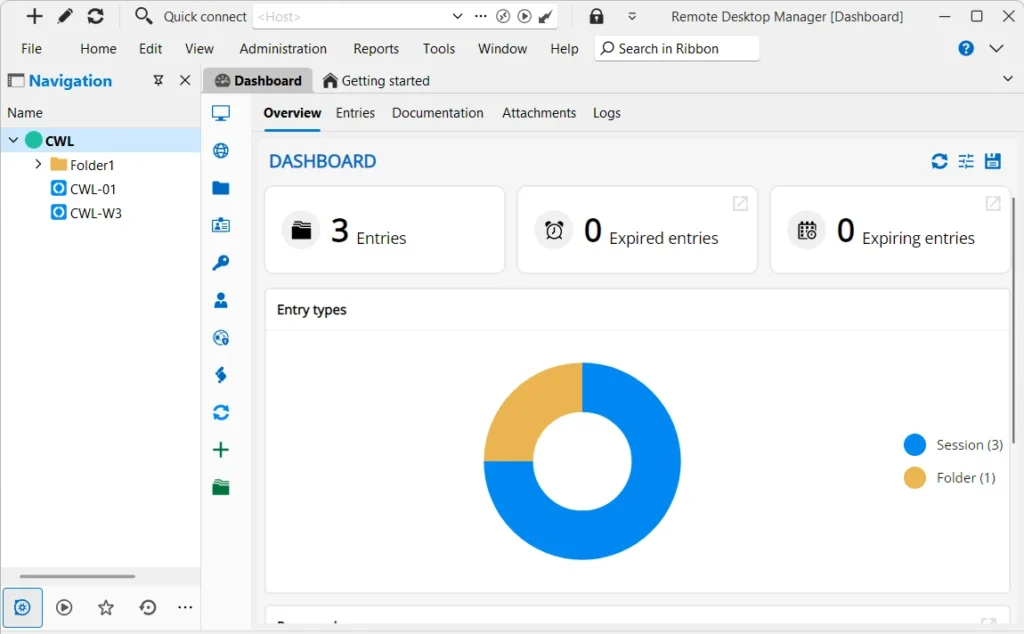
You’ll want to start by downloading and installing the free edition of Remote Desktop Manager. Most of this application’s features are free, but its support for RustDesk is key to what we want. After installing the program and its requirements, you’ll also need the RustDesk client installed and configured for your server (if you have one).
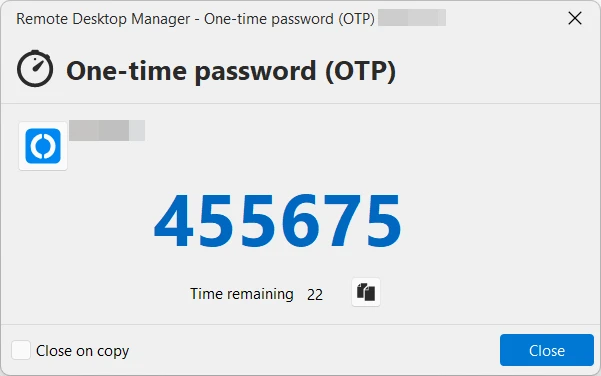
The main reason Remote Desktop Manager (RDM) works as an address book is it’s support for directly launching connections, allowing you to create folders and notes for each machine, but RDM also supports One Time Keys2, and this is something you want turned on for every connection. This keeps your remote machine’s details all in one place.
Ideally you place RDM’s SQLite data source on file synchronization service such as Dropbox or Onedrive. This will sync your connections between multiple machines (if you have them). I suggest you don’t open the same database on two or more different computers, however. Configure backup and encryption as needed. Certainly, there are shared hosting options for this data source that you may want to look into if you need something more powerful. Remote Desktop Manager is a fantastic application in its own right.
Extending this even further, you could even create multiple data sources and files and perhaps share them with someone who needs those connection details. RustDesk can also export and import single machine entries. If you’re running a free version of the RustDesk server, this tool should help you fill that gap of no address book.