

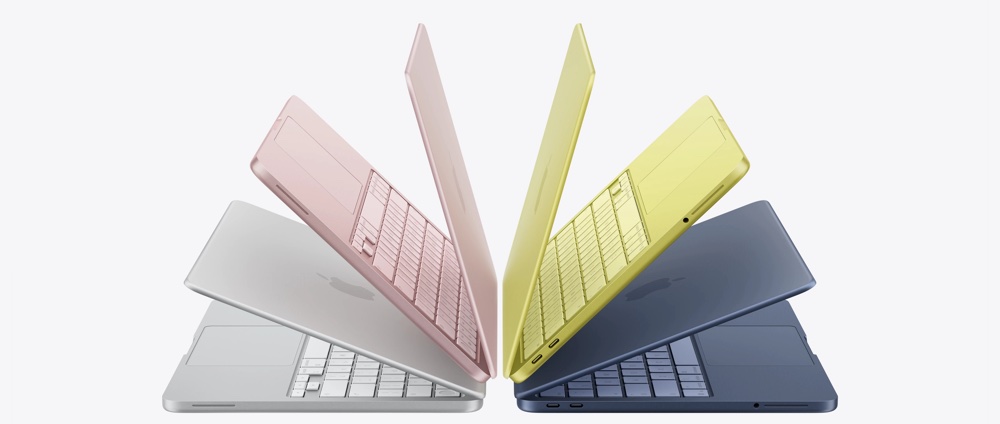
For some time now, my daily drive laptop has been a Windows PC. Back years ago when I was using a Macbook Pro, the Windows feature WSL wooed me back to the platform. It was nice to be back on familiar ground again with Windows, doing things I’d always done before (and running Total Commander […]
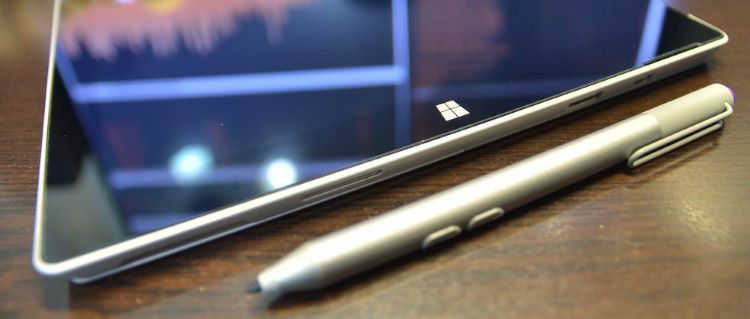
I’ve moved back to Windows from MacOS. As a decade-long Macbook user, this huge shift (for me) deserves some explaining. In my business, many look to me for understanding about what to use, and quite literally the computer I use every day influences other’s choices, reactions and ultimately purchase decisions.

When I was asked to move a customer’s 2000-odd contacts and 13 gigabytes of mail to Google’s cloud services from his MacOS-based computer, I knew this was going to be more than a challenge. To complicate matters, he had been using Outlook as a POP3 client of Google Mail and kept all his folders locally in Outlook 2011. From the beginning, I knew this was going to be an undertaking but I have some tips to help you face these particular challenges.
So far this process has worked on every computer I have tested it on, please let me know (in the comments) if this works for you too. I’ll take you through the dead simple step-by-step process of how to do this.