

I’m always looking for interesting challenges, and this one is no different. I came across this question in Microsoft’s Answers forum and I was intrigued. Windows Easy Transfer is actually pretty good for migrating user accounts and pulling out settings, but what if you wanted to use this tool to attempt a full user profile backup (to disk) at regular intervals? Is it even possible in any reliable way to do this?

Choosing this sort of solution for an office of OS X machines may be a no-brainer, but, what if you wanted to run a network of Windows computers on this server? Would it stack up well to what Microsoft offers? Does it offer the kinds of things you might expect from a Windows Server? Let’s take a look.
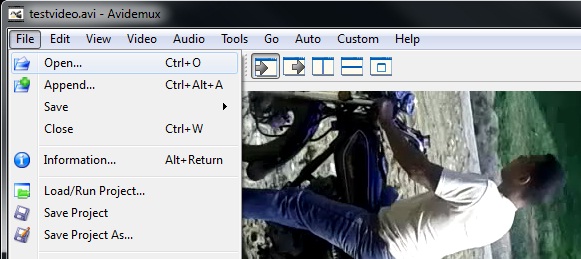
How do you easily rotate my videos so you can post them on sites like Youtube? Well, you’ve come to the right place; I’m going to show you how to use your Windows computer to rotate those videos EASY.
So, it should come as no surprise that I’m quite interested in what can be done to combat threats on a Windows computer with tools you already have. Today I’m going to look at three tools you’ll find on most any Windows flavour out there: Windows XP, Windows Vista, and Windows 7. Namely, wmic and taskkill. This is going to be more of a beginning overview of how you might use these tools to identify and stop a rogue application on your computer

When you’re in this business of fixing and maintaining technology – one of the most common questions you’ll be asked is “What do I look for in a new computer?”. While I’m usually obliged to ask for more about the prospective computer in question – sometimes the brand names come up and sometimes it’s just a general question because the customer wants to buy a new one. Coming to me (the IT Guy) is a good step and a worthwhile use of time, but without me, what kind of stuff can you do to find the computer that’s best for you?
So, you’ve cleaned an infected Windows PC and yet some stuff still lingers. You can’t right click on the desktop, you can’t get into task manager and you just know that a host of other policy related stuff is going on. Often, with Virus Scanners, they’re adept at removing files and folders, but they’ll leave behind things like registry settings (often taking the form of Group Policy changes). These settings can be just as harmful as the initial infection itself.

You want to explain what’s happening, but you’re no technology expert, right? Well, I want to let you in on a very important little secret. How you describe your issue and the questions you ask are essential to correcting your issues. Here, let me show you how to master this very important skill.

One of the most amazing things about being a freelancer or consultant is that you can truly dictate how you want to run things. You don’t need to be tied down by physical office space, secretaries and/or hefty bills that other companies are forced to take on in business. Over the years I’ve learned some great ways you can Mobilize your systems and cut costs in the process.
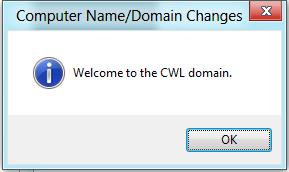
As an IT guy, I’m quite interested in how the new version of Windows is going to handle connecting to a domain. Is the interface new? Updated? are we going to see more tools? Does Windows 8 still require a reboot after joining a domain? There are a few questions I wanted to answer with this Consumer Preview version of Windows 8 I have loaded. My test environment included a Windows Server 2008 Domain Control and a Windows 8 computer.
It struck me how obvious this was when I heard a customer mention the name of the virus: “Smart Fortress 2012”. I thought, this is another one of those fake malware applications that I’ve seen time and time again. Since this user’s computer was infected while running an up-to-date version of a virus scanner, it proves the […]